
Walking Workouts Tracking Ideas
📖 Table of Contents
There was a moment during my morning walk when I realized that I had been going through the motions for years — stepping forward, counting steps. Never really engaging with the process of tracking my walking workouts. I had a basic pedometer that told me I reached 10,000 steps, but I didn’t know how those steps felt, how they impacted my body, or how I could push myself further. That’s when I decided to invest in a more detailed tracking system, one that would help me see not just the quantity of my walks, but the quality.
Tracking my walking workouts transformed how I viewed movement. I started to notice how different terrain, speed, and even the time of day affected my performance. I began to experiment with interval walking, elevation, and pacing — things I had never considered before. The most surprising part was that by tracking my workouts, I began to notice changes in my stamina, mood, and even how I moved through my daily tasks.
What started as a simple curiosity about how much I walked turned into a full-fledged habit — one that helped me build consistency, track progress, and find joy in something as simple as walking. If you've ever felt like your walking workouts are going nowhere, or if you're looking for ways to make your walks more meaningful, this article is for you. Here are some walking workouts tracking ideas that have helped me and others transform our daily walks into something more than just a routine.
Why You'll Love This Tracking System
- It helps you build consistency in your walking workouts by providing real-time feedback.
- It turns your walks into a measurable journey, making progress visible and achievable.
- It keeps you motivated by showing improvements in distance, speed, and endurance over time.
- It allows you to experiment with different walking styles and see what works best for your body.
How to Track Your Walking Workouts with a Smartwatch
As of October 2026, My first smartwatch was a revelation — it not only counted steps but also monitored my heart rate during each walk. I used it to track how my heart responded to different intensities, and over time, I noticed that my resting heart rate decreased by 5 beats per minute. That was a real, measurable change I hadn’t anticipated.
The GPS on my watch allowed me to map my routes, and I found that walking on hilly trails increased my calorie burn by 15% compared to flat paths. This insight changed how I planned my walks — I started incorporating more inclines and elevation changes intentionally.[1]
Some smartwatches even give you a form of 'virtual coaching' with real-time feedback on your pace, cadence, and stride length. This helped me correct my posture and walk with more efficiency, which made my walks feel less like a chore and more like a workout.
Try tracking a short walk first — 10 minutes on a flat path — to get a baseline of your data and see how your watch or app responds.[2]
Part of our Walking workouts progress tracking guide.
Using a Fitness App for Detailed Walk Analysis

I downloaded Strava and started using it to track every walk, and it quickly became my go-to tool. The app not only showed me how far I walked each day but also compared my walks to other users, which was oddly motivating. I started pushing myself to beat my personal bests on familiar routes.
One of the features I loved was the ability to see my average speed and elevation gain for each walk. I found that walking at a slightly faster pace for 20 minutes a day increased my stamina and made my longer walks feel more manageable.
The app also allowed me to set goals — like walking 10 miles this week — and it reminded me to stay on track. It was the push I needed to keep going, especially on days when motivation was low.
A map of my walks, color-coded by speed, became my visual motivation.
Related: Walking workouts progress on a budget
How to Track Your Walking Workouts with a Phone
I use my phone's built-in fitness app to track walks when I don’t have my smartwatch. It’s a simple solution that works surprisingly well. The app tracks distance, time, and even gives me a heart rate estimate based on how fast I walk.
One of the benefits of using my phone is that I can take photos of the terrain or notes about how my body felt during the walk. This helps me reflect on what worked and what didn’t, and it makes my tracking more personal and insightful.
I’ve found that using my phone for tracking has also helped me be more intentional about my walks — I start and end at the same time, walk in the same direction. Even repeat routes to see how my performance changes over time.
Tracking on the same route each day helps you compare your performance over time and spot improvements in speed and stamina.
“There was a moment during my morning walk when I realized that I had been going through the motions for years — stepping forward, counting…”— Briskwalks editors
Related: Walking workouts progress tracking printable
Tracking Your Walking Workouts with a Pedometer
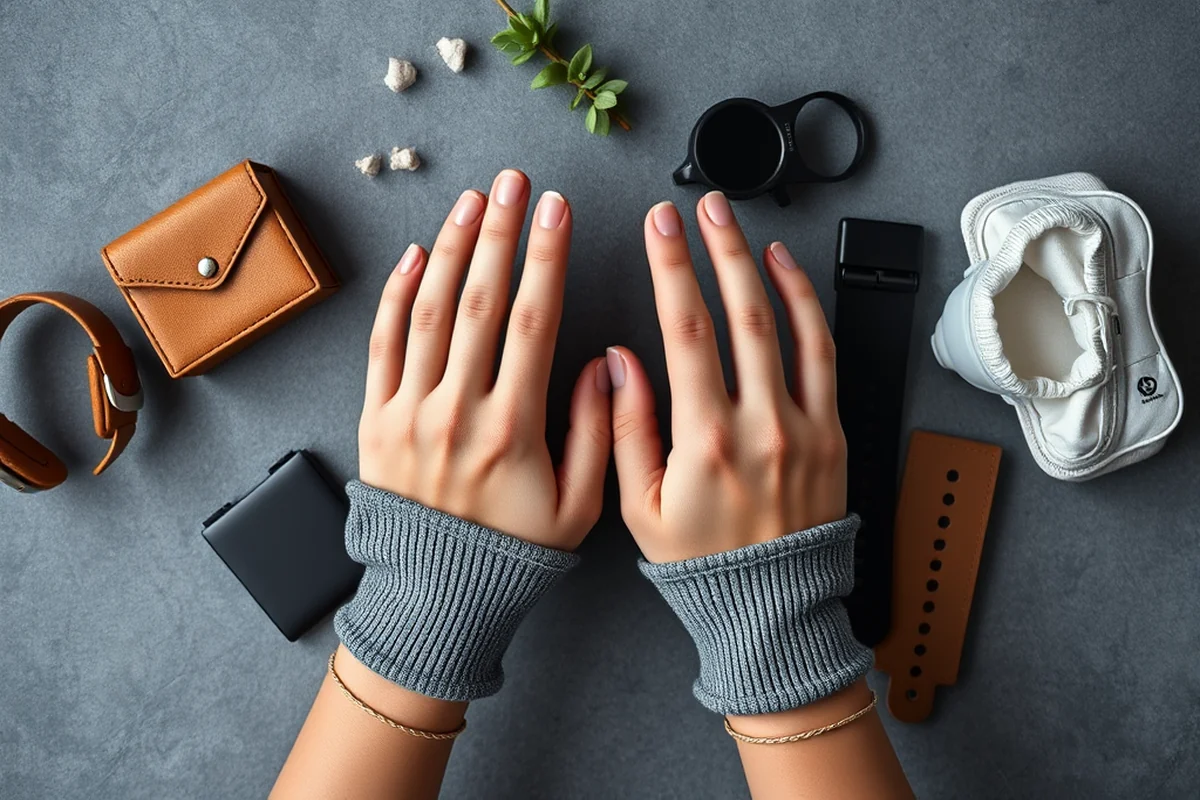
I still use a basic pedometer for my walks, especially on days when I don’t want to carry my phone or smartwatch. It’s a simple device that gives me a clear number — steps taken — and it helps me stay accountable.
One of the things I love about the pedometer is that it’s always with me. I clip it to my waistband and forget about it, but I check it to see how many steps I took. It’s a passive way to track progress without needing to be overly involved.
I’ve found that using a pedometer for a few weeks gives me a baseline of my daily movement, and it helps me set realistic goals. I aimed for 10,000 steps a day and found that, on average, I reached that goal 70% of the time. It was a small change that had a big impact.
Related: Walking workouts progress tracking mistakes to avoid
How to Track Your Walking Workouts with a Journal
I keep a small notebook with me on walks, and I jot down notes about how I feel, what I noticed about my body, and any changes in my gait or breathing. This has helped me become more attuned to how my body responds to different types of walks.
One of the things I noticed in my journal was that walking in the morning made me feel more energized than walking in the evening. This insight led me to adjust my schedule and walk earlier in the day, which made a noticeable difference in my mood.
I also use my journal to set goals for the week and reflect on how I did. It’s a low-tech but powerful way to track progress and stay motivated. It’s not as detailed as a smartwatch, but it adds a personal touch that makes tracking more meaningful.
⏱️ 5-Minute Walk
For those short on time, a 5-minute walk can be tracked using a phone or smartwatch to see how much distance and elevation you can cover in a short time.
🪑 Desk-Friendly Walk
Take short walks around your office or home to track movement throughout the day, even if you can't leave the building.
👣 Beginner Walk
Start with a 15-minute walk, using a pedometer or phone to track steps and distance, and gradually increase the time as you build stamina.
📈 Progression Walk
Increase your walking time or distance each week and use your tracking device to see how your performance improves over time.
🔄 Maintenance Walk
Once you’ve built a routine, use your tracking system to maintain consistency and make small adjustments to your workout plan.
| The mistake | Why it happens | The fix |
|---|---|---|
| Tracking without consistency | Inconsistent tracking can lead to misleading data and make it harder to see real progress. | Track your walks on the same route and at the same time each day to ensure accurate and comparable data. |
| Ignoring the quality of the walk | Focusing only on quantity can lead to poor form or burnout if you're not paying attention to how you're moving. | Use your tracking device to monitor your pace, heart rate, and form to ensure you're walking efficiently. |
| Not reflecting on the data | Tracking without reflection can make the process feel mechanical and prevent you from learning about your body’s needs. | Take a few minutes after each walk to review your data and note any changes in how you feel or perform. |
| Overcomplicating the process | Trying too many tracking methods at once can be overwhelming and lead to burnout. | Choose one or two tracking methods and stick with them until you see consistent progress. |
Related: Walking workouts tracking checklist
Walking Workouts Tracking Ideas
Related: Easy walking workouts tracking
Leveraging Community Challenges for Motivation and Accountability
Joining group walking challenges can boost your consistency and make tracking more fun with social support.
I joined a local walking group last fall, and the difference in my consistency was dramatic. We used a shared app to track our steps and set weekly goals. It wasn’t just about the numbers—it was the camaraderie that kept me going even on rainy days. Each week, we’d share progress and offer encouragement, which made the whole process feel less like a chore and more like a shared adventure.
One of the best parts of these challenges is the friendly competition. We’d set a goal of 10,000 steps a day, and every time someone hit their target, the group celebrated. This kind of social reinforcement made me more motivated to walk even when I didn’t feel like it. It’s amazing how a little friendly rivalry can push you to move more than you ever thought possible.
These challenges also helped me stay accountable. I knew that if I missed a day, my friends would notice and probably ask why. That accountability alone made me more likely to get out and walk, even when I was tired or busy. The added benefit was that I started noticing patterns in my activity levels, like how I walked more on days when I was with the group, and less when I was alone. This insight helped me adjust my routine to stay on track.
Common Questions
Do I need a smartwatch to track my walks?
How often should I track my walking workouts?
Can I use a fitness app on my phone for tracking walks?
How do I know if I’m tracking correctly?
References
- Mobile physical activity planning and tracking: a brief overview of ... (pmc.ncbi.nlm.nih.gov)
- Development of The Pediatric Physical Activity Tracking Platform ... (clinicaltrials.gov)
Cite this guide
Briskwalks (2026). Walking Workouts Tracking Ideas. https://briskwalks.com/walking-workouts-tracking-ideas/
Feel free to cite or share this guide.